





Unlock PDF
Remove passwords from your PDF files in seconds. PDFNoob’s Unlock PDF can remove all kinds of passwords from encrypted PDFs in one click and it does it all online.
 Free, Fast, and SecureEasily unlock a PDF filePDF password remover online
 Free, Fast, and SecureEasily unlock a PDF filePDF password remover online
How to Unlock PDF
Step: 01
Upload a PDF from your computer into this PDF password remover tool, or you may also drag and drop it
Step: 02
Next, type the current password for your PDF file
Step: 03
After you’ve entered the current password, click “Unlock PDF”, remove the password and unlock the secured PDF
Step: 04
Finally, you can download the unlocked unencrypted PDF and open it without a password
*Note: after unlocking the PDF, the password will not be required to open it.
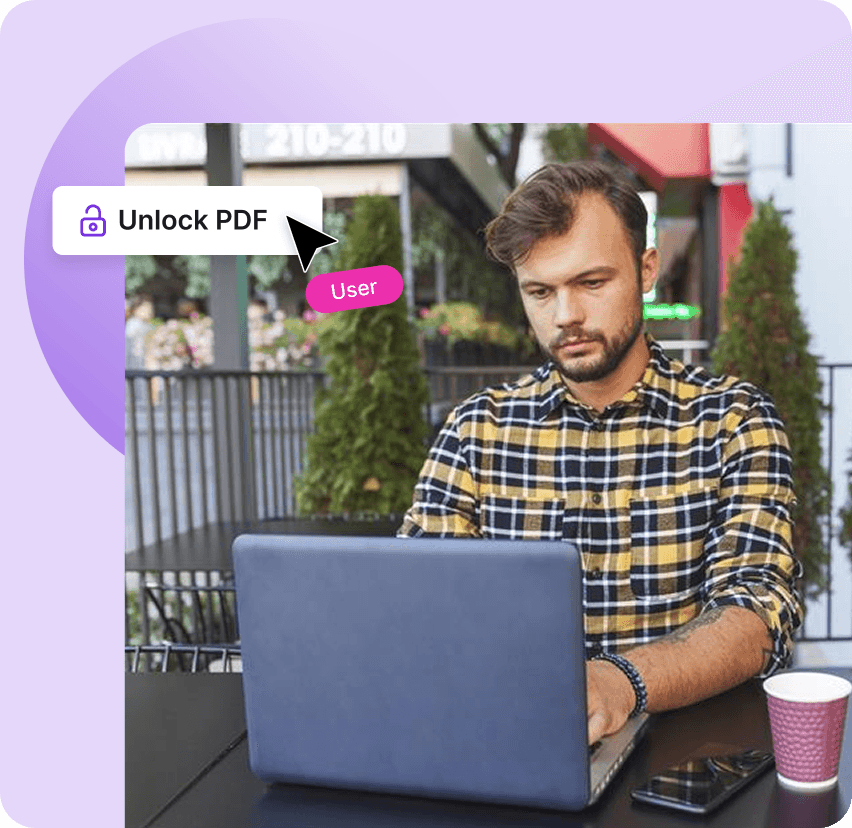
Quick and Easy PDF Password Remover
Works on:

Windows

Linux

Mac

iPhone

Android

Why Unlock PDFs?
Locked PDFs are great for security. But entering a password every time you want to open one quickly becomes a hassle. This is where PDFNoob’s Unlock PDF tool comes in. Permanently remove password from any protected PDF, online in an instant

Remove PDF Passwords With One Click
Unlock your PDF in seconds so it’s easier to open, edit, share, and work with whenever you need it

Unlock PDFs Safely
We let you unlock PDFs, while it stays completely in your browser. We don’t upload it to our servers or share it with others. Your files are safe with us, with or without password protection.