





Compress PDF to 50KB to Get Printer Ready
Get ready to compress PDF file size to 50KB for printing perfectly.
 Free, Fast and SecureCompress PDF size without losing qualityCompletely online, no installation required

Up to 4 Files
Free, Fast and SecureCompress PDF size without losing qualityCompletely online, no installation required3 Pace to Compress PDF to 50KB Online
Step: 01
Drag and drop or upload your PDF file to the PDFNoob online PDF compressing tool portal to start.
Step: 02
Click the “Compress PDF” button to start reducing your PDF size to 50KB for free without any installation.
Step: 03
At the end, rename your file if you want after compressing it to 50KB, download it to your device, and it’s done.
Compress PDF Size to 50KB Without Losing Quality
Works on:

Windows

Linux

Mac

iPhone

Android

No Installation Required
Upload your PDF directly from any device and compress it online, with no extra hassle. PDFNoob’s Compress PDF to 50KB tool has you covered.

Preserve PDF Quality
Compress your PDFs to 50KB without losing quality. PDFNoob’s advanced algorithms reduce your files while preserving important details and quality.

Batch PDF Compression
Save your time by compressing four PDF files at once. You can batch compress PDFs to 50KB at once, or one by one, to reduce the size of your all files.

Simple 3 Step Process
PDFNoob will shrink PDF sizes to 50KB with only 3 simple clicks, and without any watermarks saving your precious time while compressing files

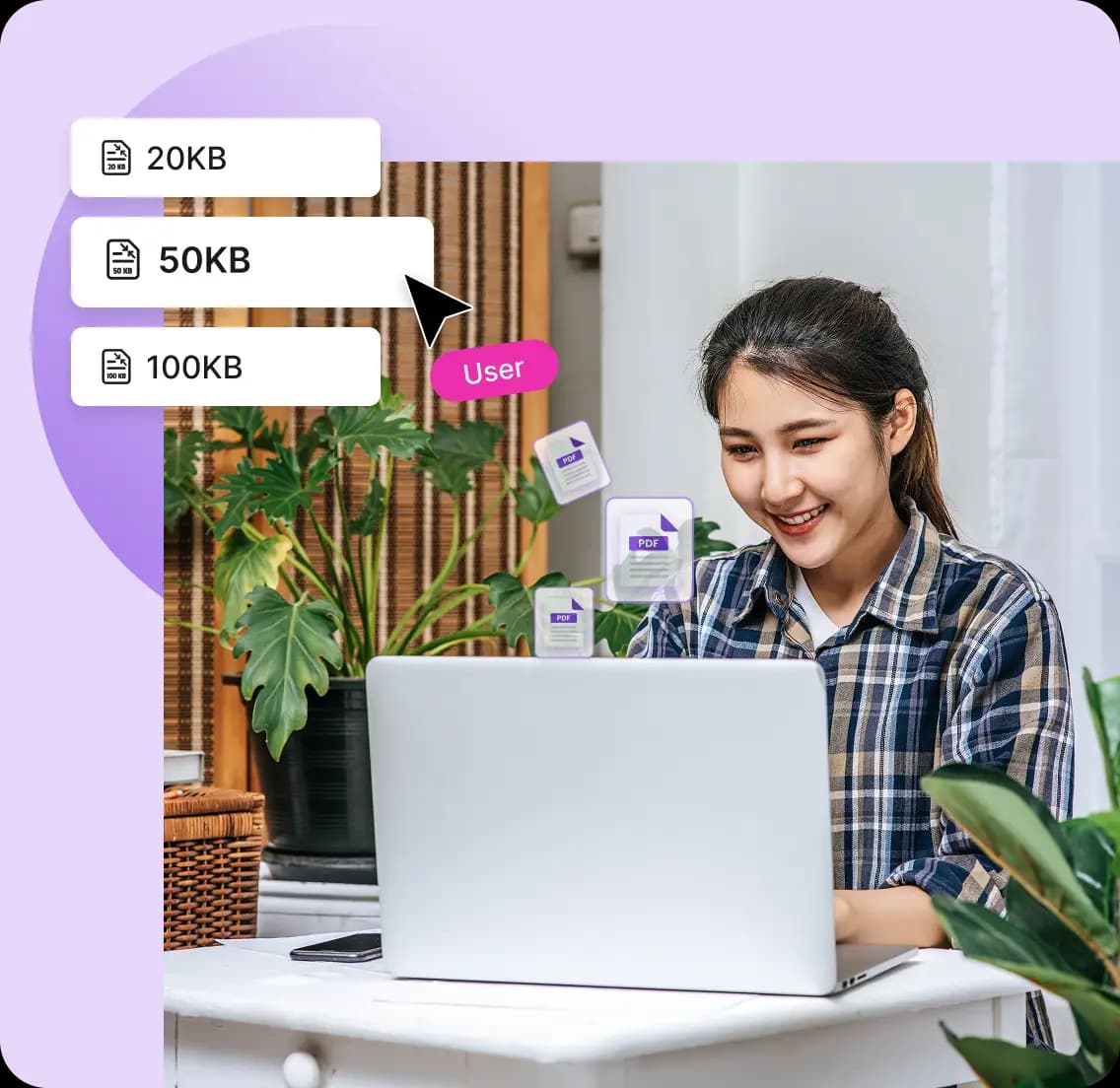
Compress to Exactly 50KB
This online compress PDF to 50KB tool targets to reduce your PDF size to exactly 50KB every time. So, you get exactly what you came for.

100% Security Ensured
PDFNoob do not upload your files to servers as all compression is done on the client side, allowing rock solid security without compromising quality.
Frequently Asked Questions
Will compressing my PDF to 50KB affect its quality?
 No, your files after compressing to 50KB won’t affect its quality. With PDFNoob’s advanced compression algorithms and quality preservation techniques your files retain their original quality. However, for media-rich PDFs, some images might lose some quality.
Can I compress a password-protected PDF file?
Yes, you can compress your password-protected PDF file to 50KB. Just provide the password then you can simply compress PDF to 50KB like any other files.How long will it take to compress PDF to 50KB with this tool?
PDFNoob will take just a few seconds or minutes, to compress PDF to 50 KB depending on how big the file is.Can I bulk compress PDFs for free with this tool?
Yes, you can Upload up to four files and to compress PDF to 50KB at once with a single click.Can I compress PDF from MB to 50KB?
Yes, you can compress PDF from MB to 50KB. This online PDF compressor tool can reduce PDF file sizes even if it is in megabytes.Do I need to sign up to use this PDF size reducer?
No, you do not need to sign up to use this PDF size reducer. You just have to upload your files and then download, that’s it.