





Free PDF Compressor to 500KB
Reshape your PDF to 500KB securely, promptly, and effortlessly.
 Free, fast, and secure compressionMaintains layout, text clarity, and visualsTargets exactly 500KB for smooth uploads

Up to 4 Files
Free, fast, and secure compressionMaintains layout, text clarity, and visualsTargets exactly 500KB for smooth uploadsSteps to Compress PDF to 500KB
Step: 01
Upload files from your device to start compressing with PDFNoob.
Step: 02
Hit the “Compress PDF” button to compress the PDF to 500 KB.
Step: 03
Press “Download Compressed PDF” to save the compressed file.
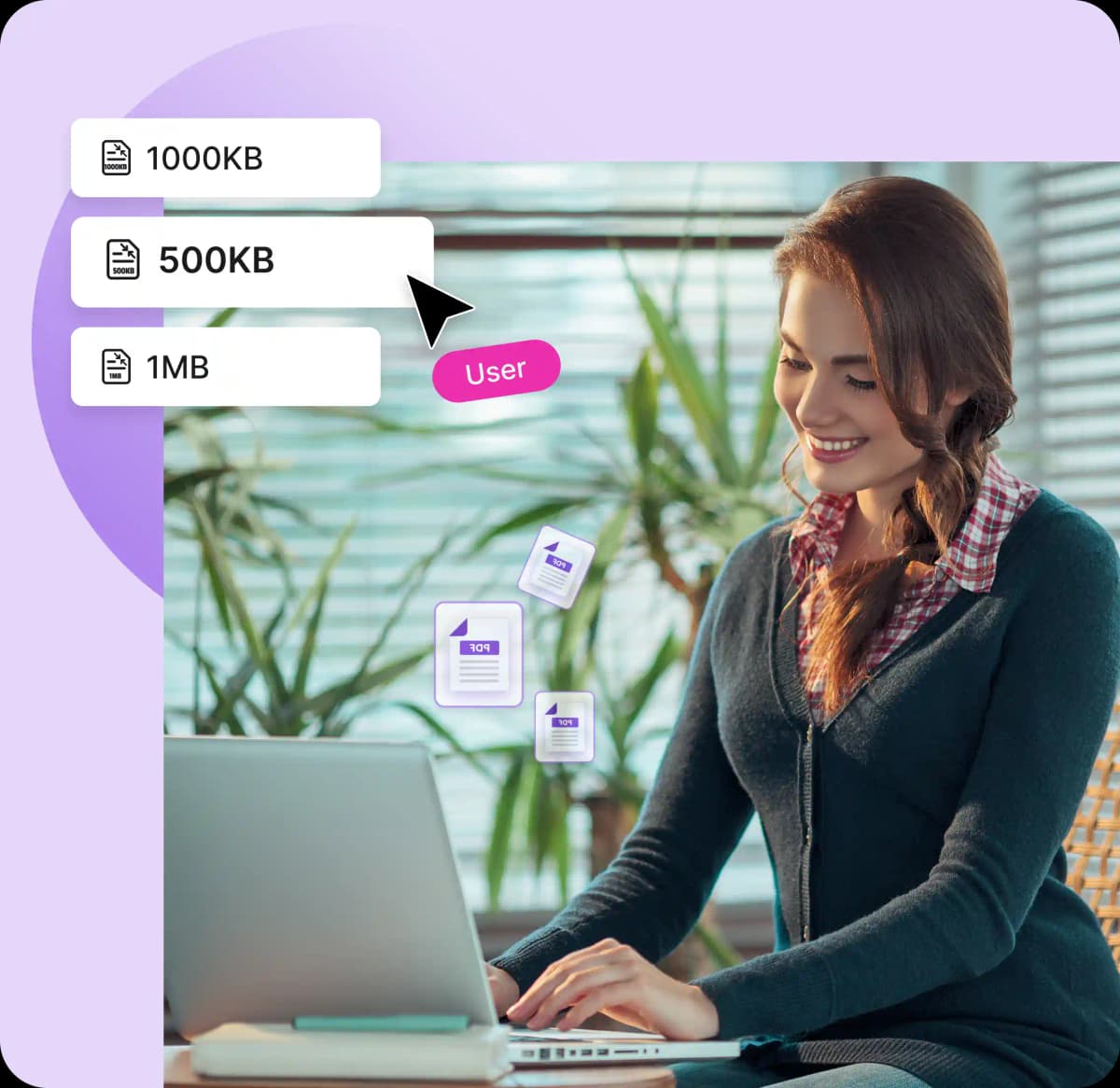
Why PDFNoob’s PDF to 500KB Compressor Tool
Works on:

Windows

Linux

Mac

iPhone

Android

No Sign-ups
PDFNoob instantly compresses your PDF to 500 KB without any signups or logins, making the process easier.

Batch Compress PDF
Upload up to 4 PDFs in a single session to handle multiple portfolios and get all without any watermarks.

No Installation
PDFNoob doesn’t require any installation, so you can use it with any device, anytime, anywhere, without any hassles.

100% Secure
After turning PDF to 500 KB, all files get deleted shortly. No store, share, or access to your documents will be available anymore.

Easy to Use
Drag, drop, or browse to upload your PDF in seconds, with no tech skills. Get your desired files at your fingertips.

Quality PDF
PDFNoob maintains sharp details, so all text remains scannable and searchable after resizing, as a result PDF looks perfect.
Frequently Asked Questions
Can I compress PDFs to 500KB on my phone or tablet?
 Yes, you can compress your PDF to 500KB from any device, such as Android, iPhone, iPad, or desktop, without installing any software.
Can I compress password-protected PDFs to 500KB?
Sure, you can, but you’ll need to enter the PDF's password before uploading. Once unlocked, you can easily compress it with PDFNoob.Will my portfolio photos still appear clear?
Definitely, the portfolio after compressing will appear clearly with PDFNoob. For 500KB compression, moderate downsampling is applied to keep your images crisp on most screens and suitable for web use and light printing.Can I compress multi-page PDFs with images to 500KB?
Certainly, PDFNoob is designed to efficiently compress multi-page documents. Even if your file contains images, it will intelligently reduce image resolution and optimize layout to meet the 500KB size target.Will 500KB compression affect my PDF for printing?
Absolutely not, your 500KB compressed file will still be printable. Sometimes the image quality may be slightly reduced due to compression. For everyday prints, it works best, but for professional-grade printing, consider using a higher size threshold, like 1MB.My file is 4MB—can you compress it to 500KB without losing important details?
Undoubtedly, you can compress your file to 500KB, but such a large reduction sometimes may result in visible quality loss, especially in image-rich documents. For better output, you can remove unnecessary graphics or use a less aggressive target, such as 1MB or 2MB.