





Compress PDF to 100KB Instantly
Compress PDF to 100KB for free to upload up to 4 files at once seamlessly.
 Free, Fast and SecureCompress PDF size without losing qualityCompress files completely online

Up to 4 Files
Free, Fast and SecureCompress PDF size without losing qualityCompress files completely onlineCompress PDF to 100KB Online in Just 3 Steps
Step: 01
To start, upload or drag and drop your PDF file to the PDFNoob online PDF compressor portal from any device.
Step: 02
Click “Compress PDF” so that the free PDF document compression tool can start reducing your PDF size to 100KB.
Step: 03
Finally, after finishing the process, download your compressed PDF file, and, if you want, rename it before downloading.
Why Compress PDF File to 100KB from PDFNoob
Works on:

Windows

Linux

Mac

iPhone

Android

High Quality PDF
PDFNoob online PDF compressor analyzes your document and compresses key sections while retaining maximum quality.

No Installation
Get your compressed PDF on any device for form submissions, site uploads, and more, without installing anything ever.

Batch Compress
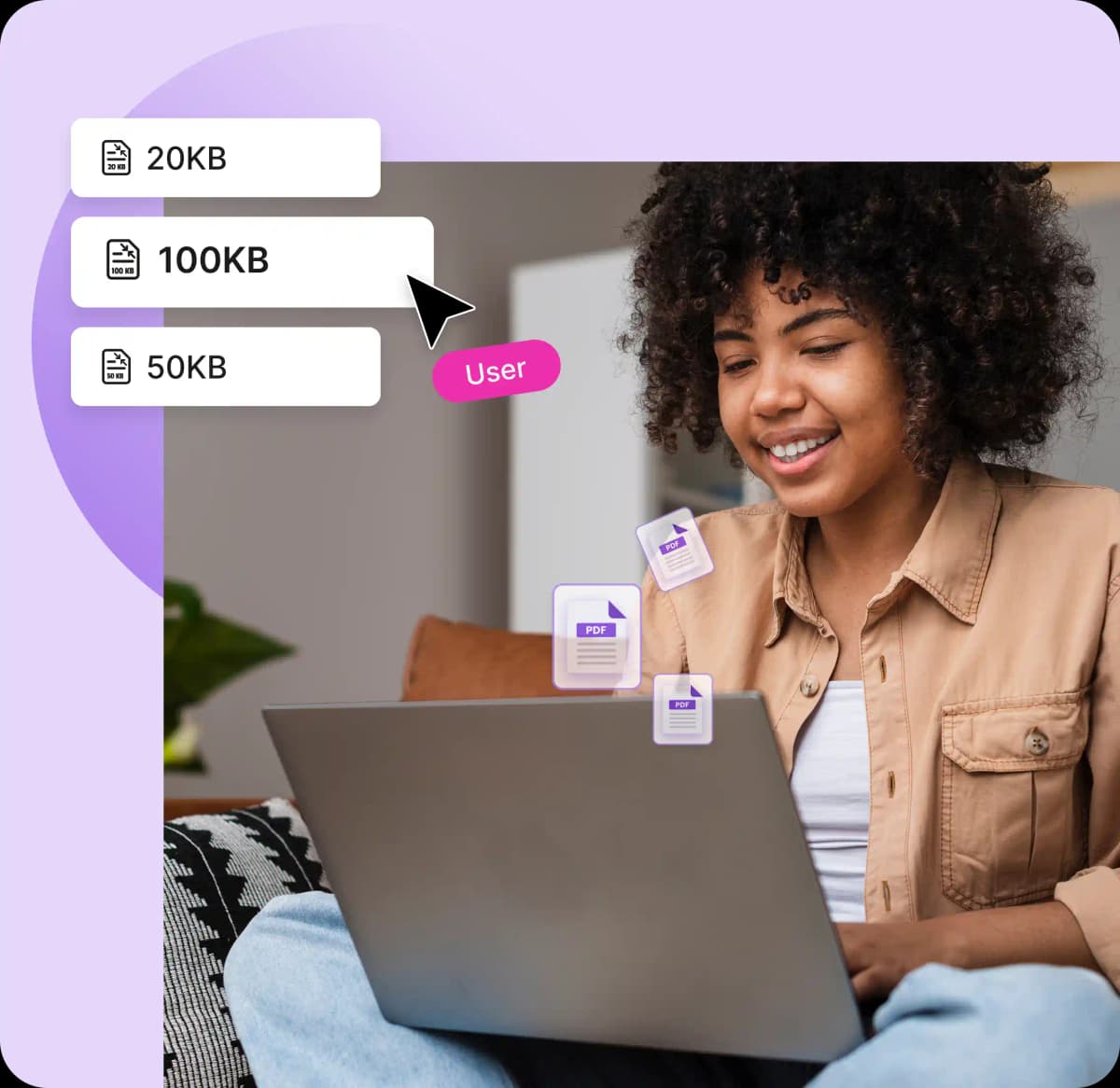
Save time by compressing PDFs to 100KB on a single click with PDFNoob. Up to 4 files will work best, so click once or together.

Easy to Use
You can compress PDF file size to 100KB in just 3 easy steps; as a result, anyone can access and get the result immediately.

Security Ensured
PDFNoob does not store any PDF files after compressing to 100KB, so all your files will stay safe and secure without any worry.

No Watermarks
This online PDF compressor will reduce files to 100 KB without a watermark or seals, keeping your life hassle-free.
Frequently Asked Questions
Will compressing my PDF to 100KB affect its quality?
 No. PDFNoob’s process of compress PDF to 100KB won’t affect its quality. The advanced compression and quality preservation techniques will always preserve the original quality. But some rich media files might experience a quality reduction rarely.
Can I compress a PDF file if it is password-protected?
Yes. You can compress a password-protected PDF file. PDFNoob will only ask you to enter the password. After that, you can compress the file just like any other PDF.Can I bulk compress PDFs for free with this tool?
Absolutely. You can batch compress PDFs up to four files at a time. Upload one by one or together to compress PDF to 100KB.Do I need to sign up to use this PDF size reducer?
No. PDFNoob does not require any sign-up to use the PDF size reducer. You can start compressing your PDF file sizes without logging in or signing up.How does this tool ensure my files are safe?
Undoubtedly, all your files are safe with PDFNoob. This compressor deletes all your files soon after resizing them to 100KB, using industry-standard encryption and security practices; all your information is safe and secure.How long will it take to compress PDF to 100KB with this tool?
It will take only a few seconds to compress PDF to 100KB with PDFNoob, depending on how big your file is.Can I compress PDF from MB to 100KB?
Yes. PDFNoob's online PDF compressor can reduce PDF file sizes from any MB to 100KB with no hassle.