





Compress PDF to 3MB
Upload your PDF and compress it to 3MB instantly. It’s fast, secure and completely free to get started.
 Free, Fast and SecureCompress PDF size without losing qualityCompletely online, no installation required

Up to 4 Files
Free, Fast and SecureCompress PDF size without losing qualityCompletely online, no installation requiredHow to Compress PDF to 3MB
Step: 01
Upload a PDF to our online 3MB PDF compressor. Choose a file, or drag and drop.
Step: 02
Compress PDF” button and our tool will start shrinking your file right away.
Step: 03
Download your new, smaller PDF file. You can also rename it before downloading if you'd like.
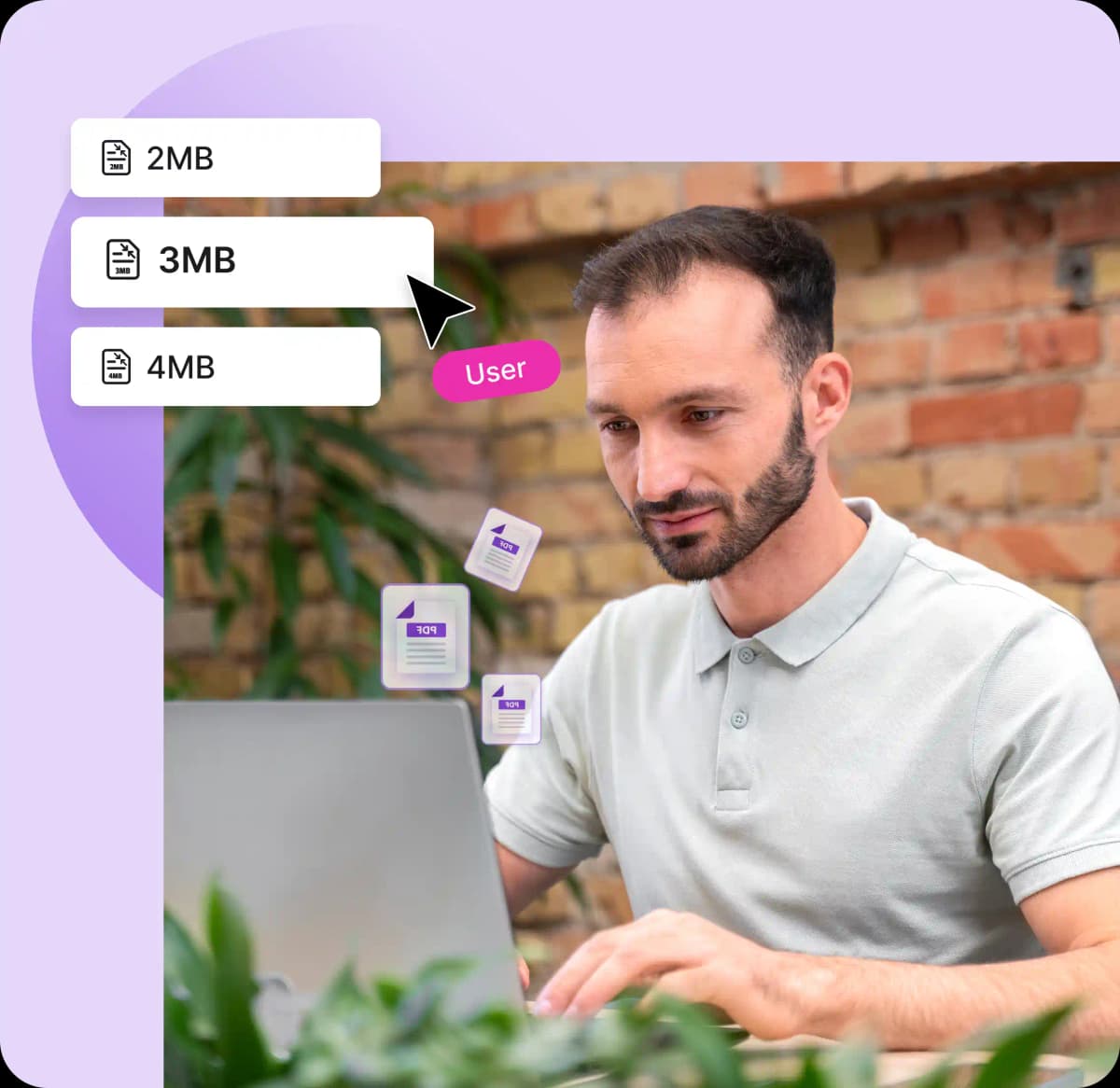
Compress PDF to 3MB in Seconds
Works on:

Windows

Linux

Mac

iPhone

Android

Fast PDF Compression
Shrink your PDF files to 3MB with our efficient tool in mere minutes with PDFNoob’s 3MB PDF Compressor.

High-Quality Output
Your PDF files remain clear and sharp. So you can compress PDF files without losing quality and enjoy readable text and crisp visuals.

Batch Compress PDFs to 3MB
Compress up to four PDFs to 3MB at once with our batch processing feature. Save time when compressing files

Reduce File Sizes Effortlessly
Reduce your PDF size in just a few clicks. Our simple, user-friendly tool makes compression simple and hassle-free.

Secure By Design
Compress PDF to 3MB with confidence. We use advanced encryption to protect your files and automatically delete them shortly after processing.
Frequently Asked Questions
What are the benefits of compressing PDFs?
 Smaller PDFs are easier to attach to emails, faster to upload, and more likely to meet file size limits on forms and online portals. They also take up less storage space and load more quickly on any device.
How does PDFNoob ensure PDF quality after reducing the?
We use intelligent compression techniques that optimize images, fonts, and document structure without significantly affecting visual quality. Instead of simply removing data, the tool analyzes the PDF and applies efficient encoding methods to reduce file size while keeping text sharp and graphics clear using custom packages.Can I compress PDF to 10MB on my phone?
Yes, our tool is fully compatible with smartphones, including iOS and Android. You can access it through your mobile browser, upload your PDF, and compress it to 3MB effortlessly, wherever you are.Can I compress any PDF to 3MB?
Our algorithm precisely targets a 3MB file size for your PDFs, optimizing compression while maintaining clarity. Whether you’re meeting strict upload limits or streamlining file sharing, our tool delivers sharp, reliable results.Do I need to sign up to use this PDF size reducer?
No sign-up is required. You can immediately upload your PDFs and compress them to 3MB without an account, making the process quick and hassle-free.Can I compress a PDF file if it is password protected?
Yes, you can compress a password protected PDF file with our tool for free. Simply enter the password to unlock the file and hit the “Compress PDF” button.Are my PDF files secure with this tool?
We delete all your files soon after compressing them to 3MB. PDFNoob uses industry standard encryption and security practices to ensure your information is safe and secure.