





 Fast Compression

How to Compress PDF to 20KB with PDFNoob
Step: 01
Select your files from any of your devices to compress PDF to 20KB.
Step: 02
Hit the “Compress PDF” option to let the tool do the process itself.
Step: 03
Finally “Download Compressed PDF” to save the PDF anywhere you want.
Reasons to Compress PDF Online to 20KB with PDFNoob
Works on:

Windows

Linux

Mac

iPhone

Android

Easy-to-Use
PDFNoob makes compressing your files to 20KB an absolute breeze. You just have to drag & drop or browse to pick your PDF, and you’re done in seconds on any device.

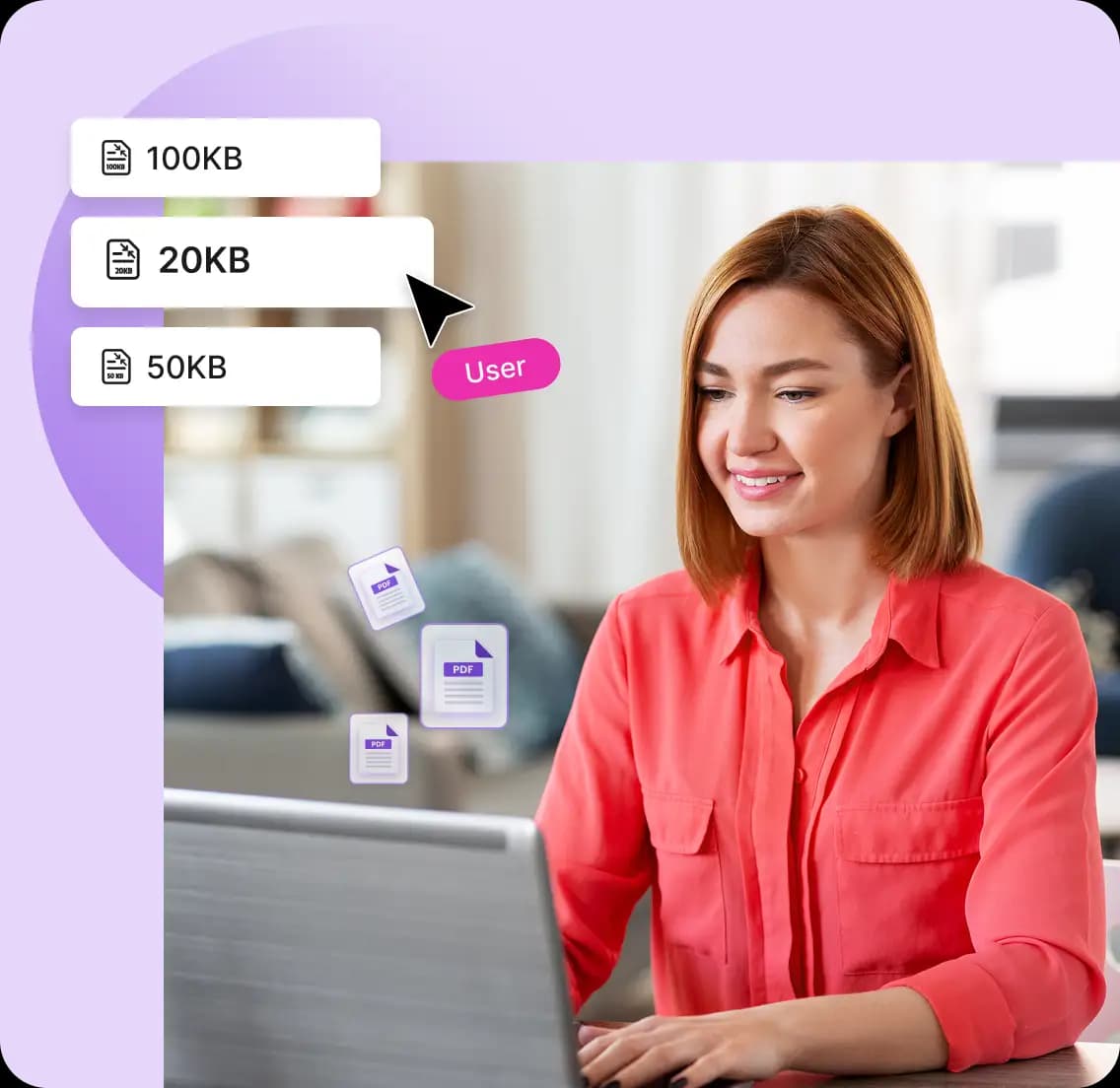
Exactly 20KB
Your all compressed PDFs will be exact 20KB. Simple, single-page or icon files can simply hit that mark but more complex PDFs may end up slightly larger rarely.

High Quality PDFs
PDFNoob’s advance algorithm focus on keeping texts sharp always. High images may reduce slightly sometimes, but your words stay crisp and legible always.

100% Secure Ensured
Your PDF is encrypted during upload and processed on PDFNoob’s secure servers but after that it permanently delete all files shortly after compression to keep your data safe.

Batch Compress PDF
Need more than one? Compress up to four small PDFs back-to-back in a single session, saving time on repetitive tasks.

Ultra-Light Compression
Shrink your PDF down to 20KB without any sign-ups and it is perfect for one-page text notes or tiny logos that need to fit strict size limits to get you light compression.
Frequently Asked Questions
I have a one-page PDF with light text, can it really be compressed to 20KB?
 Yes, your one-page PDF with light text can easily compressed to 20KB. PDFNoob’s compression algorithm can reduce it effectively without damaging any readability.
What kind of content can be compressed to 20KB?
All kind of text-heavy, single-page PDFs can effortlessly reach to 20KB. In some rare cases, if your PDF includes images, custom fonts, vector elements, or high-resolution logos, compression in quality may slightly differ.What happens to logos, icons, or images in my file?
For 20KB compression, all large images are removed. Small icons or logos (under ~100×100 pixels) will be there, but any high-resolution or decorative media will be stripped to reduce size. For essential logos tryi our Compress to 100KB or 300KB tools instead.I uploaded my file, but it only reduced to 40KB—why not 20KB?
The compression measurement depends on your PDF’s original structure. If your file contains embedded fonts, hidden metadata, or vector shapes, reaching 20KB might be difficult without affecting usability.Will my compressed file still be printable or email-friendly?
Yes, your compressed files will be email-friendly as well as printable. For high-quality printing or formal submission, consider using a slightly larger size (50–100 KB) to get better quality.Can I compress password-protected PDFs to 20KB?
Sure, you can compress password-protected PDFs to 20KB. But you must unlock the PDF first, using its password, then upload it. We don’t accept encrypted or protected files for processing due to privacy concerns.Can I compress a PDF to 20KB from my phone or tablet?
Absolutely, you can compress PDF to 20KB from your phone, tablet or any device. PDFNoob is fully mobile-responsive so you can compress your PDF to 20KB from any device without installing any software.