





 Free, Fast, and Secure

Compress PDF to 400KB Online in 3 Clicks
Step: 01
Select one or more PDF files from your device and click ‘Upload’ option to start.
Step: 02
Choose “Compress PDF” button to start compressing your PDF to 400KB online.
Step: 03
Check reduction rate, rename and click “Download” to save the compressed file.
Why Go For PDFNoob’s PDF Compress to 400KB
Works on:

Windows

Linux

Mac

iPhone

Android

Easy to Use
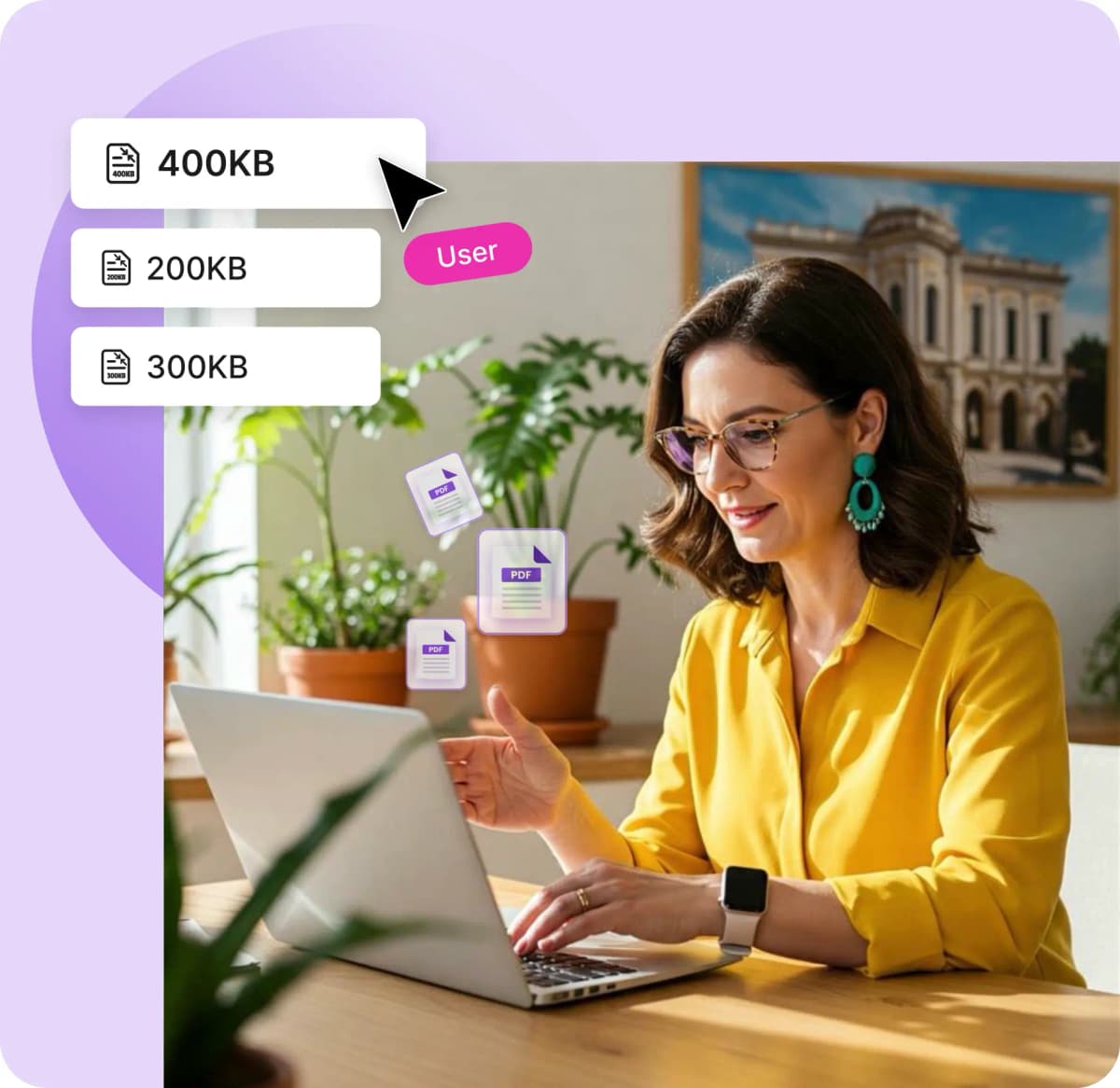
With only 3 clicks you can compress PDF to 400KB without any sign-ups or logins to email, print, or share it easily and quickly.

Quality Ensured
PDFNoob’s compressor keeps your file clear enough to maintain sharp details so PDF looks good for reading and printing.

No Installation
You can drag and drop or choose files from your device from anywhere to start working with your file without installing.

Add Multiple Files
Compress multiple PDFs in one go, with up to four files uploaded to streamline tasks without sacrificing quality.

100% Secured
PDFNoob deletes your files after compression, so there's no storage available for you to worry about your documents.

Fast Compress
PDFNoob shrinks your PDF to exactly 400KB every time, and you get it within a few seconds, making things effortless.
Frequently Asked Questions
Will text and fonts still look sharp after compression?
 Yes, with PDFNoob text and fonts will look sharp after even after reducing to 400KB. For lossless best results with compression, avoid embedding large custom fonts or background patterns.
I compressed a file, but it ended up as 420KB. Why didn’t it hit 400KB exactly?
The final file size may slightly exceed 400KB depending on the original content, layout, and media. PDFNoob’s algorithm balances file size, readability, and quality. If precise size is critical, try further reducing the file size by simplifying the content or compressing again.Can I compress scanned documents or image-only PDFs to 400KB?
Yes, you can certainly scan PDF to 400KB but results vary sometimes. Image-only or scanned PDFs (without OCR) tend to be much larger so to fit within 400KB, the compressor tool reduces resolution and uses aggressive compression.I need to email a form with fields—will it still work after compression?
Certainly, if your PDF includes form fields or basic interactivity (like clickable links or buttons), those are preserved during standard compression.Will compressing my PDF remove watermarks or digital signatures?
No, the compressor does not alter copyright information, watermarks, or digital signatures. However, overly aggressive compression may sometimes affect the visual appearance of stamps or digital seals.My file was already small—why didn’t it reduce further?
If your original file is already optimized or below 400KB, there’s little or no room for further compression. PDFNoob avoids unnecessary re-encoding to preserve the original quality. In such cases, the output file may be nearly the same size.