





Compress PDF to 1000KB
Bring down your file size right away without compromising PDF quality.
 Free, Fast and SecureCompress PDF size without losing qualityCompletely online, no installation required

Up to 4 Files
Free, Fast and SecureCompress PDF size without losing qualityCompletely online, no installation required3 Steps to Compress PDF to 1000KB
Step: 01
Press ‘Upload PDF to Compressor’ and provide your file to start.
Step: 02
Once done uploading, click the “Compress PDF” button to convert it.
Step: 03
See the percentage of reduction, rename, and download your PDF file.
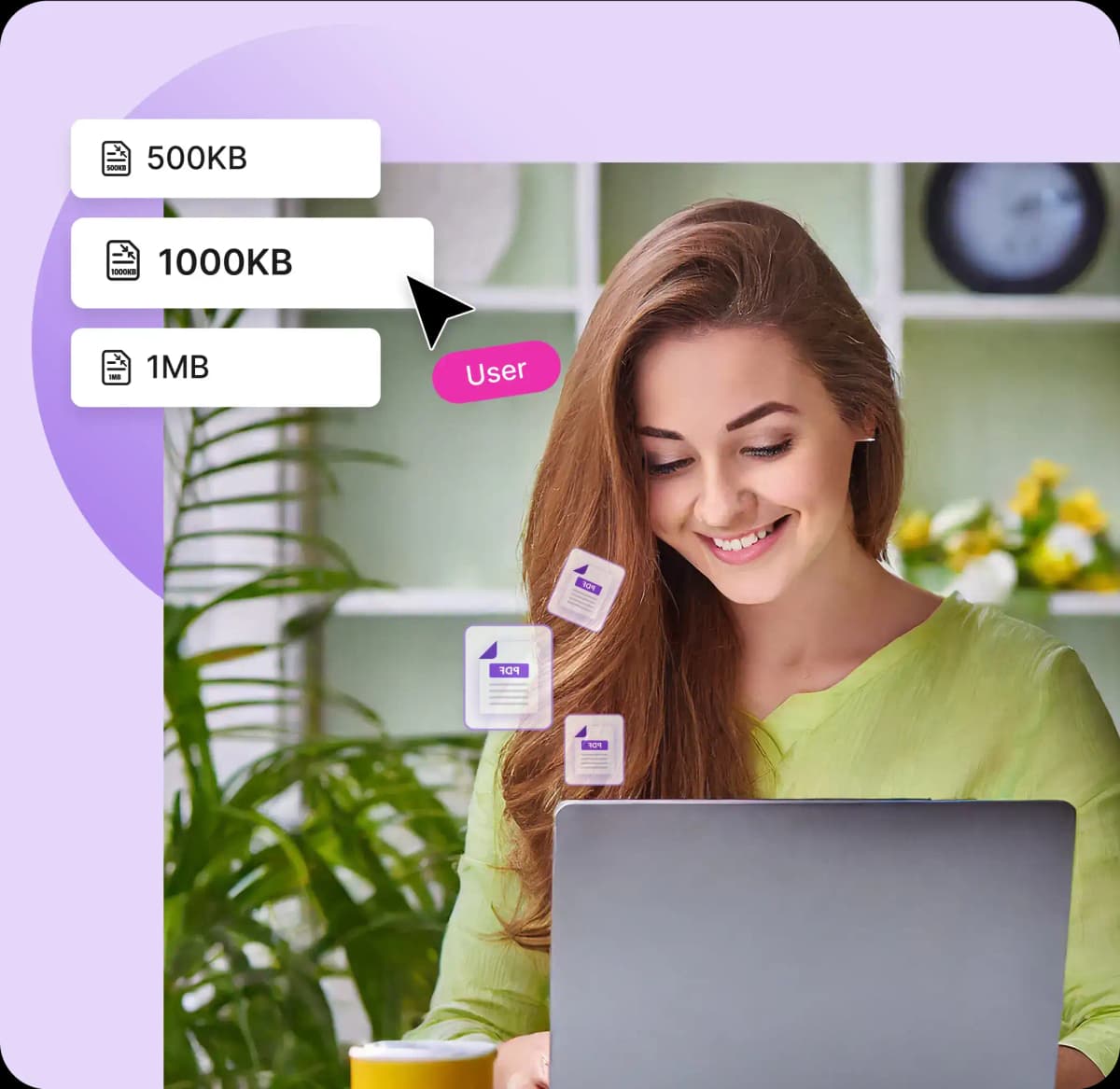
Why Compress PDF to 1000KB with PDFNoob
Works on:

Windows

Linux

Mac

iPhone

Android

Add Multiple Files
You can select more than one file with PDFNoob at a time, just by clicking the “Select PDF Files” button to save your precious time.

No Sign-ups
When you compress PDF to 1000KB with PDFNoob, no sign-up option is going to disturb you! Up to 4 files can be uploaded for free.

User Focused
This PDF compress to 1000KB will complete its whole process in just 3 easy steps, so that anyone can access and get the desired result at a stroke.

Compress 1000KB
PDFNoob compress PDF to 1000KB free for all its users. If your file is too big, it might go slightly over, but you'll get a heads-up before download.

Quality Ensured
Compress PDF to 1000KB with PDFNoob compressor online, where your file quality stays sharp, even from low-resolution originals.

100% Secured
After completing the process of compress PDF to 1000KB without any watermark, none of your files will be stored, so your PDFs are safe with you.
Frequently Asked Questions
Will compressing my PDF to 1000KB affect its quality?
 No, PDF compression to 1000KB with PDFNoob doesn’t affect the file's quality. PDFNoob preserves the original quality of files with advanced compression and quality preservation techniques. In rare cases, files with rich media content may experience reduced quality.
Can I compress a PDF file if it is password protected?
Certainly, you can compress PDF to 1000KB even if it is password-protected. In that case, PDFNoob will ask you to enter the password, and then you can compress the file just like any other PDF after entering it.Can I bulk compress PDFs for free with this tool?
Absolutely, you can batch compress multiple PDFs to 1000KB at once. Click “Select PDF Files” button to upload up to four files for free without any signups or logins.Do I need to sign up to use this PDF size reducer?
Not at all, you can simply compress PDF to 1000KB online, adding multiple files altogether without any logging in or signing up for a new account.How long will it take to compress PDF to 1000KB with this tool?
Definitely. PDFNoob is one of the easiest PDF compressor tool that can reduce PDF file sizes to 1000KB without any issues.Can I compress PDF from MB to 1000KB?
Our tool compresses your files in just a few moments depending on how big your file is.What are the steps to compress PDF to 1000KB free?
With only 3 steps, you can compress PDF to 1000KB with PDFNoob. Firstly, UPLOAD to start, then click ‘Compress PDF’ for processing, and lastly DOWNLOAD to get your 1000KB file.