





Compress PDF to 4MB
Compress PDFs to 4MB online for free. Whether you're submitting a file on online forms or uploading it for your school assignments, our tool is the easiest way to get PDF files up to 4MB.
 Free, Fast and SecureCompress PDF size without losing qualityCompletely online, no installation required

Up to 4 Files
Free, Fast and SecureCompress PDF size without losing qualityCompletely online, no installation requiredHow to Compress PDF to 4MB
Step: 01
Upload PDF files to start compressing it to 4MB. You can upload upto four files at once.
Step: 02
Click “Compress PDF” to start reducing your PDF size to 4MB completely online.
Step: 03
Finally, download your compressed PDF file for free.
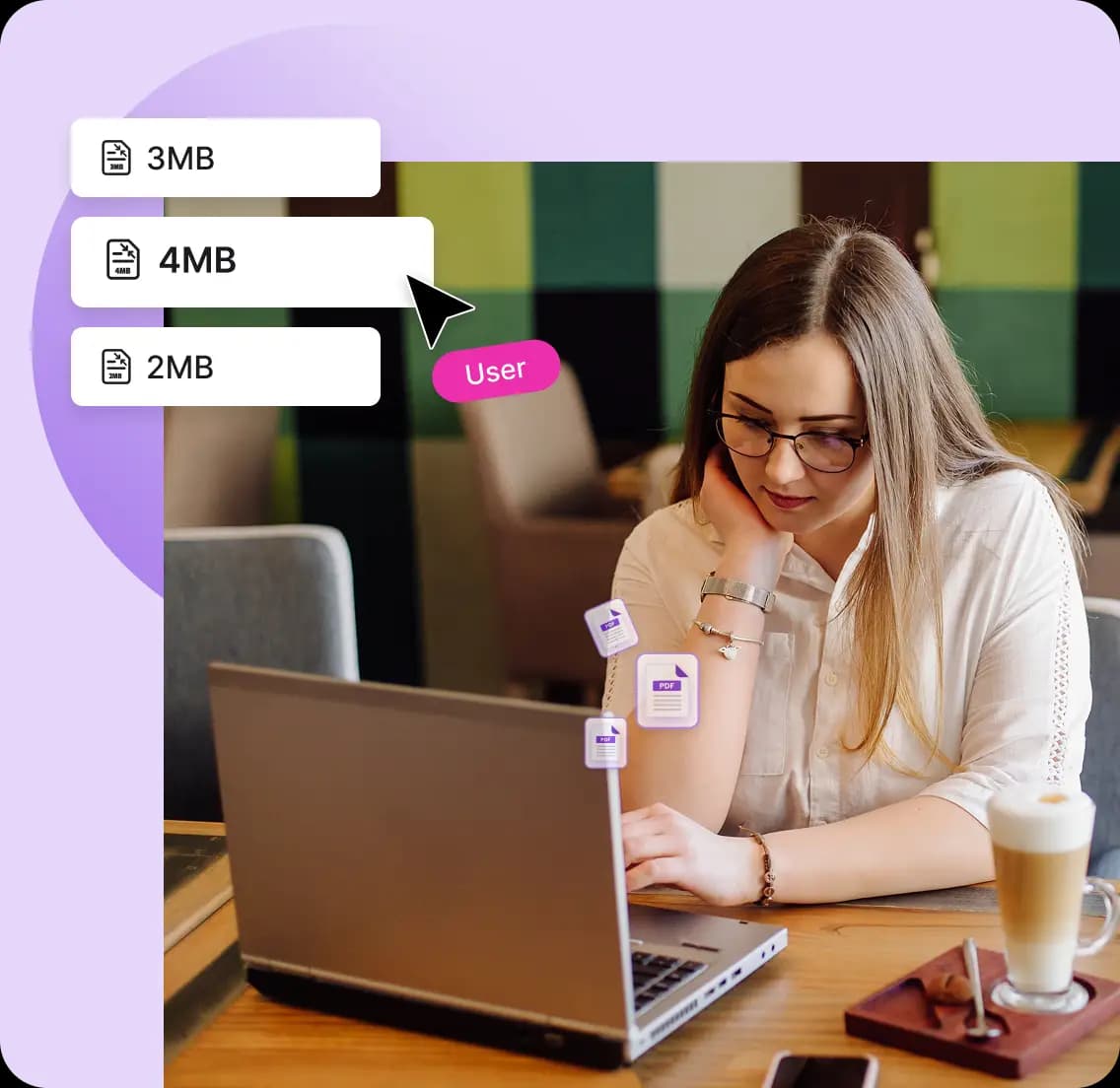
Compress PDF to 4MB With Ease
Works on:

Windows

Linux

Mac

iPhone

Android

Compress PDF for Free
Compress PDFs for free without watermarks or creating any accounts. Our PDF compress to 4MB is truly free — and always will be.

Easy to Use
Reducing PDF size to 4MB has never been easier. Whether you want to reduce the size of one of multiple files at once - do it all with just one click with PDFNoob.

High Quality PDF Compression
Our advanced compression algorithm reduces file sizes without degrading the quality of your PDFs. So, you can shrink your PDF files to 4MB and keep the original quality and usability.
Frequently Asked Questions
Can I bulk compress PDFs for free with this tool?
 You can compress up to four PDF files at once. Upload up to four files at once or click the “Select PDF Files” button to add more.
Do I need to sign up to use this tool?
You can start compressing your PDF files right away without logging in or signing up for a new account.Can I compress a PDF file if it is password protected?
Our Compress PDF to 4MB tool will ask you to enter the password for a locked PDF. You can then start compressing and reduce its file size as you normally would.How long will it take to compress PDF to 4MB with this tool?
Our tool compresses your files in just a few seconds depending on how big your file is.Are my files safe with PDFNoob?
User privacy is very important to us. We don’t store any user uploaded files in our servers. So, you can have the peace of mind that your files are safe and sound.