





 Free, Fast, and Secure

Compress PDF under 200KB in Browser in 3 Clicks
Step: 01
Upload/drag and drop your PDF files to PDFNoob’s online PDF compressor.
Step: 02
Let the process begin by clicking the “Compress PDF to 200KB” button.
Step: 03
Lastly, you can rename and then “Download” your compressed PDF file.
Why Compress PDF Pages to 200KB With PDFNoob
Works on:

Windows

Linux

Mac

iPhone

Android

Trouble-free Access
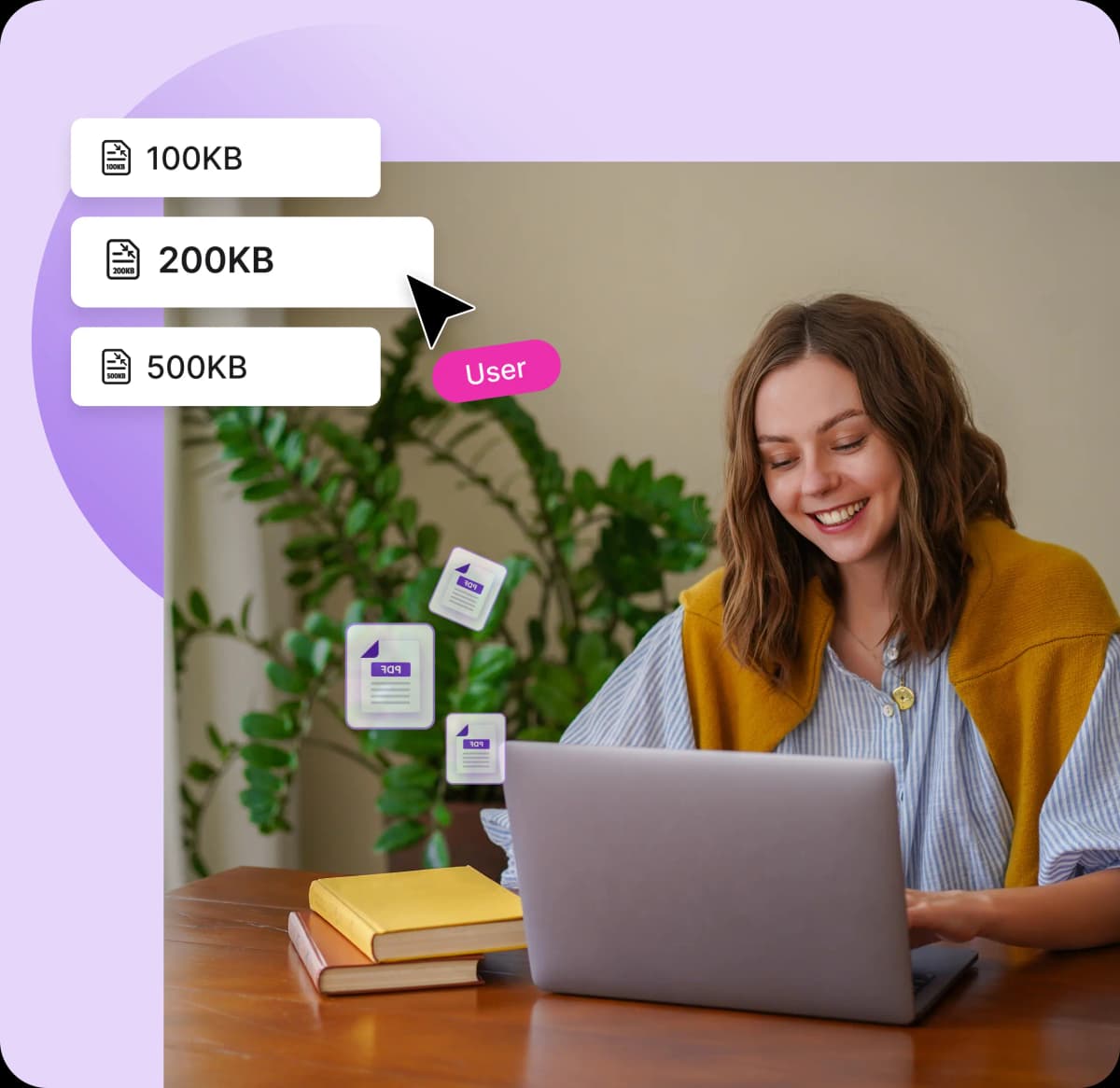
With PDFNoob, you can shrink the PDF to 200KB in just three clicks. So anyone can access it without hassle and save their time.

High Quality PDF Compression
You can compress your PDF without losing quality, as PDFNoobs' advanced algorithms efficiently compress PDF to 200KB instantly.

No Installation Required
Grab your PDF files from your device, then drop into the PDFNoob’s portal to reduce the PDF to 200KB from anywhere.

Batch PDF Compression
PDFNoob’s free PDF compressor can take up to 4 files at once. So, upload all four together or one by one for batch compress to 200KB.

No Signup, No Watermark
You don’t need to deal with any watermark or sign-ups when you compress PDF to 200KB here. So you can start anytime, anywhere.

100% Secure Compression
PDFNoob doesn’t upload any of your files to servers; compression is done on the client side. So stay tension-free always.
Frequently Asked Questions
Will compressing my PDF to 200 KB affect its quality?
 No. PDFNoob’s compression method uses advanced algorithms to reduce the PDF's size to 200KB, with no loss of quality. In rare cases, large, media-rich files may be reduced in quality.
Can I bulk compress PDFs for free with this tool?
Yes. You can compress up to 4 files to 200KB at once with PDFNoob online PDF compressors. Upload all files and click “Compress” and you’re done.Are my PDFs secure and private during compression?
Absolutely. PDFNoob does not store your files on servers, so your PDF stays secure and private at all times. With industry-standard encryption and security practices, PDFNoob deletes all users' files right after compression.What if my PDF cannot be forced down to exactly 200 KB?
No. You don’t have to force anything, as PDFNoob will naturally compress PDF to 200KB. Media-heavy or large files might vary, but PDFNoob will do its best to compress your file to as close to 200 KB as possible.Do I need to sign up to use this PDF size reducer?
Not at all! No registration is required to compress PDFs with PDFNoob. You can start reducing the size of your PDF files right away from anywhere!